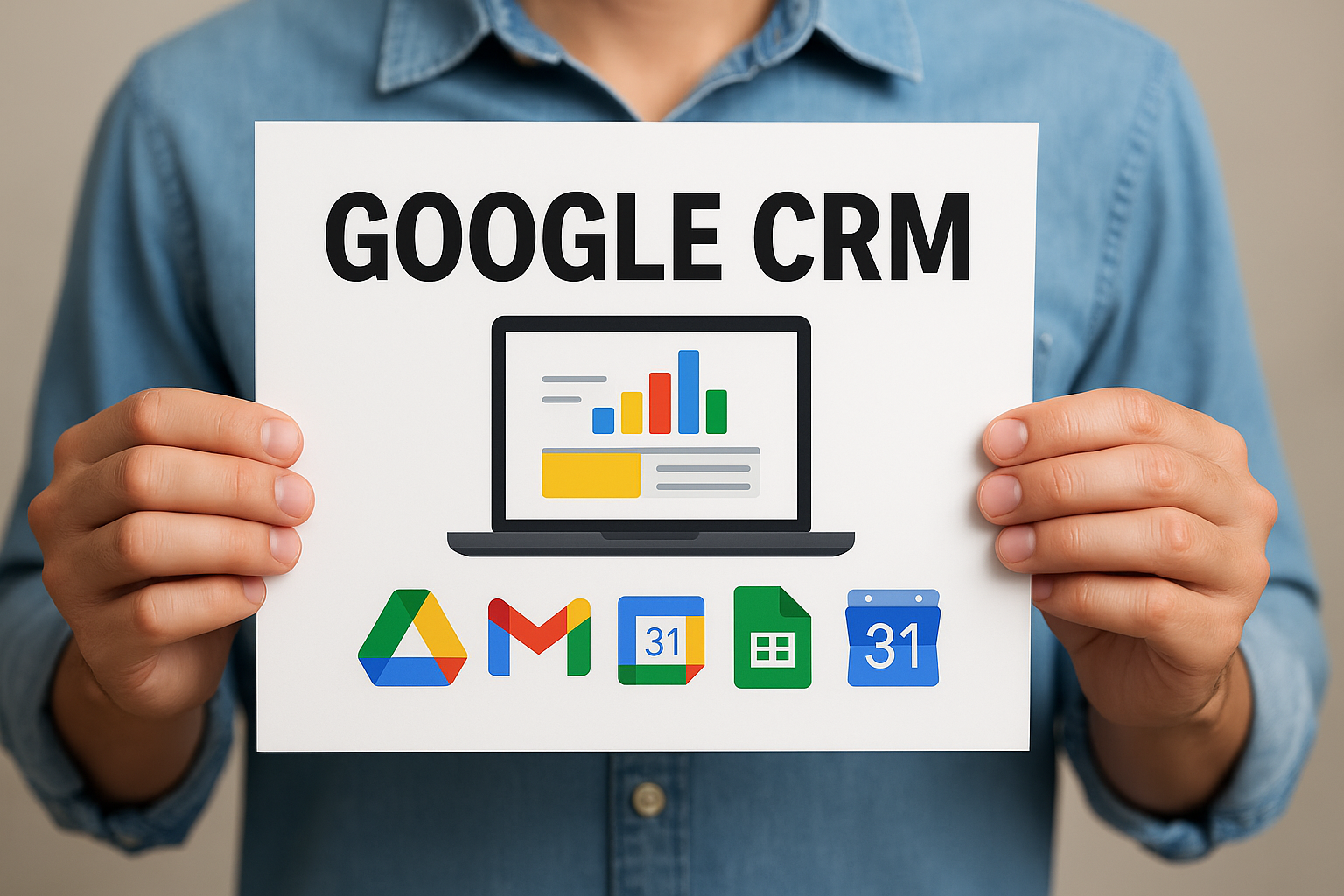
When we talk about effective sales tools, few people immediately think of Gmail as a control center.
However, with the right solution, your inbox can become a true automated and powerful sales machine. In this article, we’ll explore how to achieve that using the best CRM for Gmail.
Why Gmail Can Be Your Sales Hub
Gmail is much more than an email platform. It’s an interface you use daily, where most of your client, prospect, and partner conversations begin. By integrating a CRM, you can:
- Automatically track emails and replies.
- Organize contacts and sales stages.
- Schedule follow-ups and reminders.
- Automate repetitive tasks.
All without leaving the comfort of your inbox.
Streak CRM: The Native Gmail CRM That Changes Everything
Among the many solutions in the market, Streak CRM stands out as the most functional and natively integrated with Gmail.
Key Features:
- Lives inside your Gmail account (no external apps needed).
- Email tracking (know when a prospect opens your message).
- Pipeline management (sales stages).
- Custom email templates.
- Full contact interaction history.
Who Is It For?
- Freelancers.
- Real estate agents.
- Small and medium-sized sales teams.
- Any professional who works entirely from their inbox.
Other CRMs That Work Well with Gmail
While Streak is excellent, other tools also deserve mention:
1. HubSpot CRM
- Free plugin for Gmail.
- Email and call tracking.
- Centralized contact database.
https://www.hubspot.com/products/crm
2. Zoho CRM
- Extension for Gmail and G Suite.
- Advanced customization.
- Requires a steeper learning curve.
3. Copper CRM
- Designed exclusively for Google Workspace integration.
- Automatic sync with Gmail, Drive, and Calendar.
- Excellent visual interface.
How to Set Up Your Gmail CRM (With Streak)
- Go to streak.com.
- Click «Get Streak Free» and sign in with your Google account.
- Install the Chrome extension.
- Return to Gmail—you’ll see new menus and columns.
- Create your first sales pipeline.
- Start moving prospects through each stage.
⚠️ Common Mistakes When Using Gmail as a CRM
- Using multiple tools that don’t sync together.
- Not defining clear sales funnel stages.
- Forgetting to follow up with non-responders.
- Overloading the CRM with unnecessary info.
Solution: Keep it simple, clear, and automated.
✅ Benefits of Turning Gmail Into a CRM
- Time-saving: no need to switch between apps.
- Better visibility: real-time tracking.
- Professionalism: automated responses and better organization.
- Scalability: start solo, then add your team.
Gmail + CRM + Automation = Success
When you combine Gmail with a CRM like Streak and enhance it with tools like:
- Zapier
- Google Sheets
- Calendly
- Slack
…you get a fully functional, synchronized, and scalable sales system without large expenses.
Conclusion
You don’t need to spend thousands or adopt complex platforms to have an efficient CRM system. All you need is a powerful inbox, the right CRM, and a clear strategy.
Ready to turn your Gmail into a sales machine?
Start today with Streak CRM and see the difference.
Save this article, share it with your team, and take the first step toward smarter sales management.